My laptop flickered again. I was hunting for a fix in the glow of the monitor, all while the coffee cup on the desk began to feel like a forgotten relic. The short bursts of error messages were a clear sign: the machine was struggling to keep up with Windows 11’s demands.
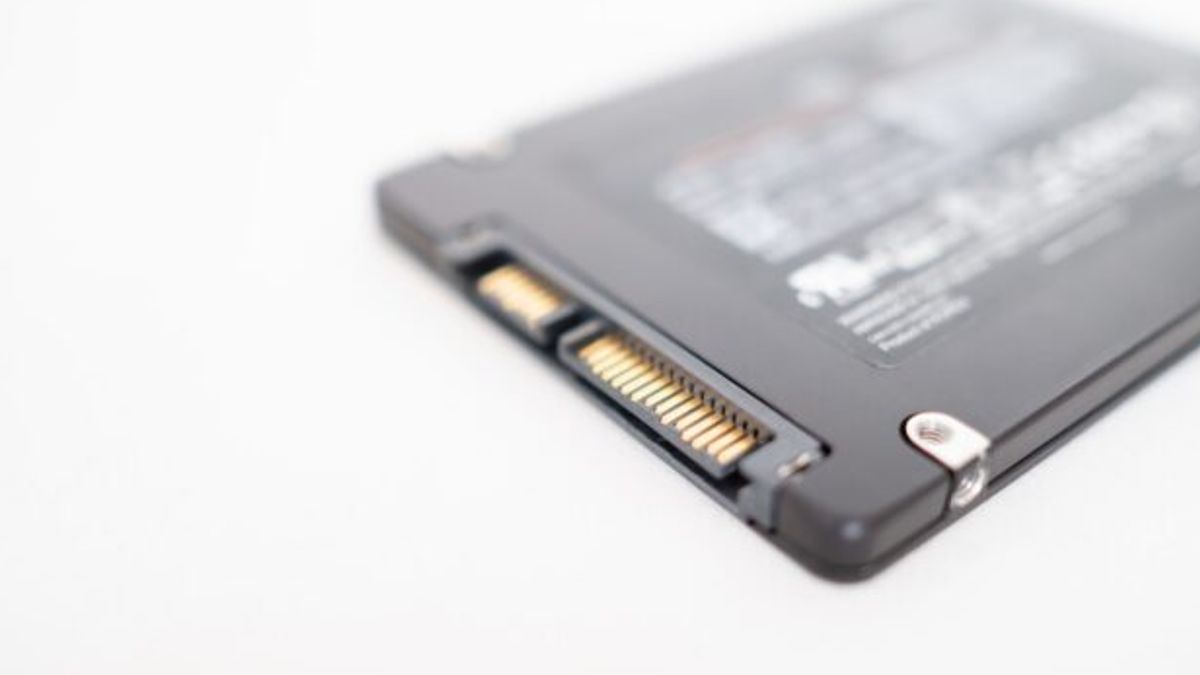
Finding a solution proved tricky. The newest official release of Windows 11 still insists on a solid‑state drive, a recent processor, and TPM 2.0, the latter of which many older models simply lack. Even if a hardware upgrade seems impossible, users refuse to give up on the modern UI and security features that come with the big update.
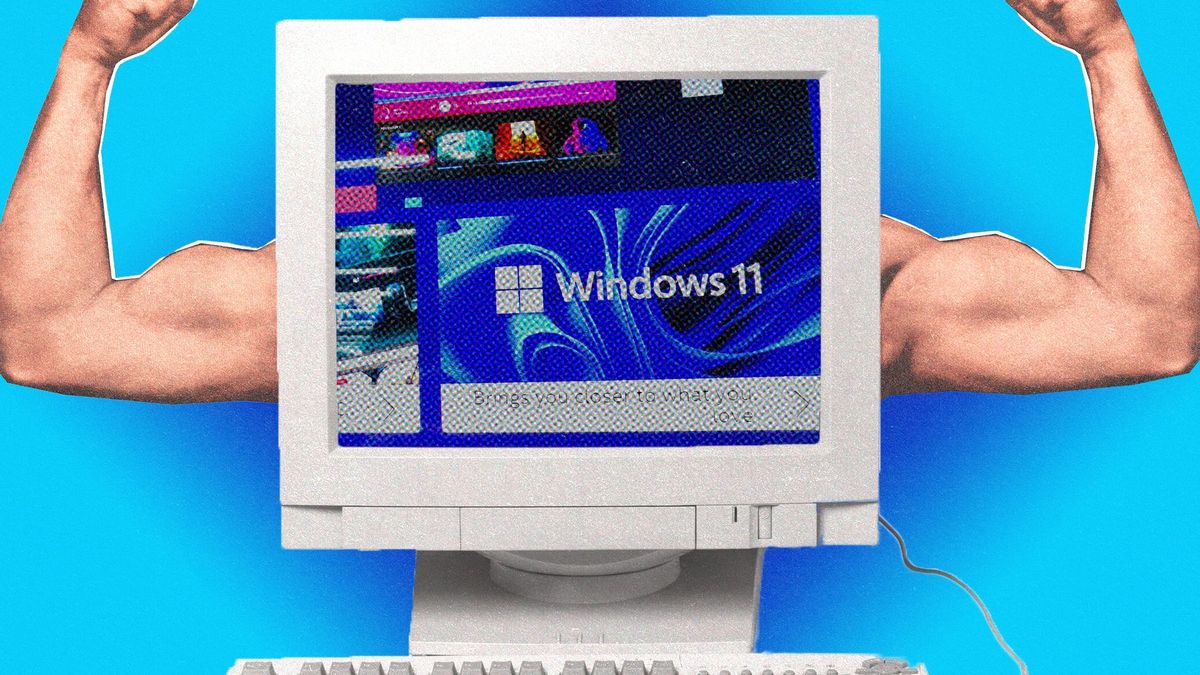
Enter Tiny 11. It is a stripped‑down version that sticks to the core design language of Windows 11 while slashing the amount of system resources needed. Sure, it’s a version without the extra blue overlays and background services, but its footprint is a fraction of the parent operating system. That means it can breathe on machines that would otherwise stall under a full install.
Truth is, Microsoft can’t legally force users to buy or build new hardware, and the slow pace of new flagship hardware means that many people still own laptops and desktops that were born decades ago. Tiny 11 taps into that hidden market by letting makers of older machines keep their machines alive and updated, without rummaging through firmware updates or replacing motherboards.
Meanwhile, tech reviewers point out that the cost to run Tiny 11 is almost negligible. On a laptop that once ran Vista, the new light OS feels like a breath of fresh air. Meanwhile, you still have access to Microsoft’s store, the usual Drive and Windows Apps, and compatibility with modern game engines that rely on the new DirectX 12 update.
But here’s the problem: the Tiny 11 build, while officially flopped, is still a custom fork that bypasses certain system checks. Some enterprise users may notice that certain security or enterprise applications that depend on the full Windows 11 stack will not run. Yet many hobbyists, educators, and spare‑parts shoppers find themselves voting in favor of a resilient alternative that lets them experiment without breaking the bank.
And yet, the story doesn’t end at home labs or college projects. Businesses with legacy fleets are considering Tiny 11 as a stopgap, a way to keep a handful of older desktops intersecting with newer network protocols—especially in safety‑critical sectors where uptime matters more than the latest UI.
Now the question looms: can a lightweight version of the OS keep pace with the demanding developer tools and enterprise policies that are the backbone of modern workplaces? And will Microsoft eventually offer an official variant to match or replace this community effort? The answers are still on the horizon.