The first thing the technician pulled out was a small box with cables. “Got your modem?” he asked, plugging it in. The light buzzed to life. In that instant, a new kind of helper appeared in the corner of the living room.
But here's the problem: most folks think that shiny box is the same as the wireless router they already own. They swap cables, stare at Wi‑Fi symbols, and still finish the night with a frustratingly slow page load. Truth is it’s only a modem that feeds the connection into your home; the router distributes it. A modem bonds with your ISP, turning their signal into a format your devices can talk to. Its job is narrow and specific, and it can knock the LED icon right out of the corner on careless wiring.
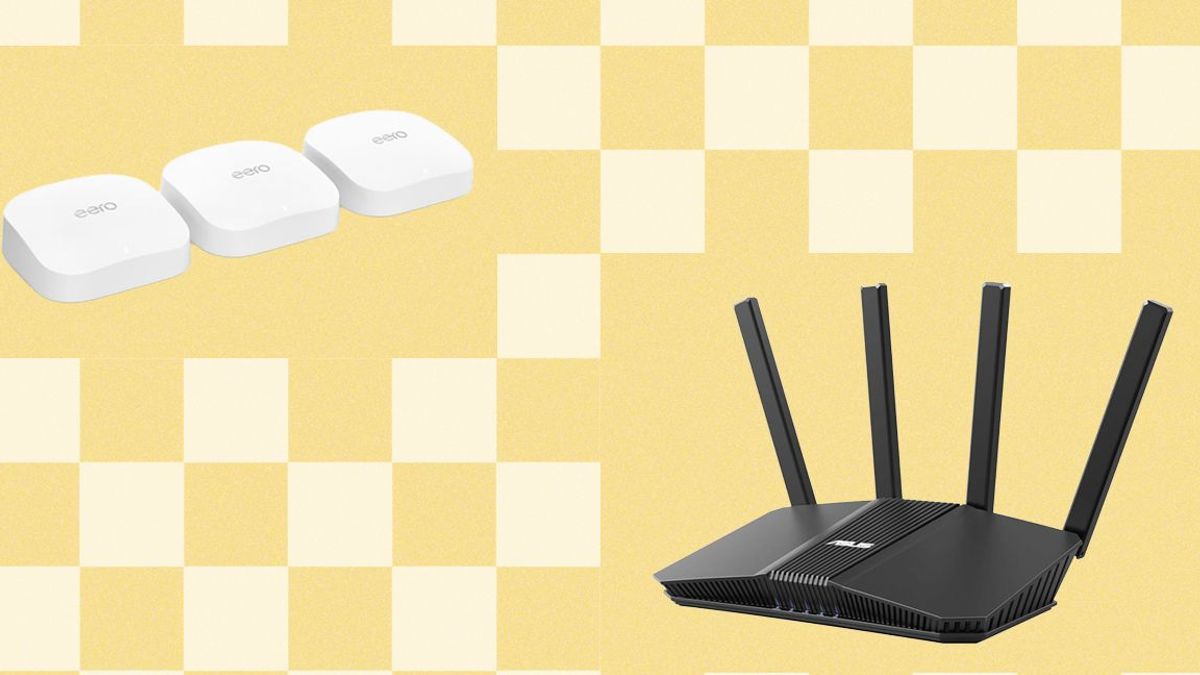
Meanwhile, the router takes that internet stream and lets your laptop, phone, gaming console, and smart fridge talk at the same time. It splits the bandwidth, assigns IP addresses, and, if you’re lucky, runs a firewall for everything inside your walls. The difference is like a tuner vs. a radio: one gets the signal, the other plays the music.
And yet people love mistaken identity. 90% of the time, the culprit is the automatic “combo” device that comes bundled with cable or fiber plans. The bigger the package, the more likely you’ll keep the bundled box and pretend it’s both a modem and router. It could mean missing out on new Wi‑Fi 6 capabilities or flexible placement for that long‑range antenna.
So what does it cost to set it right? Swap out the combo with a street‑level modem; drop that other box into the screen share. The quality gap is real: a genuine router can deliver up to 1 gigabit, while a combo sticks at 200 meg. Security improves, too. A dedicated router allows you to hide your network behind a VPN or separate guest band. When you catch the ‘what‑if’ of the ISP’s heavy traffic shift, you’ll know why bandwidth slump hits you first.
Now, the trick isn’t just flipping a switch. Check the labels: a device labeled “Cable Modem” or “DSL Modem” is on the signal side. Anything marked “Router” or “Wireless Router” lives inside the house. If your current setup still shows one device on a wall and another on a shelf, you’ve got the correct pair.
Remember to read the specs when you buy on your own. A new modem must match the specific cable splitters your ISP uses; a router must support your home’s layout. Every smart home test, the double‑check matters.
Strategic placement of your router can cut your Wi‑Fi dead spots to almost zero. Mount it near the center, away from thick walls. Keep the modem close to the entrance because that line is the traffic artery. The moment you realize the real difference, your network will shift from fuzzy to ferocious, ready for streaming, gaming, and any daily task.
What would an outdated combo device cost you in time, money, or missed downloads?